How it works
Four steps. Use the tellies you've already got. Nothing for customers to download.
-
Put the TV page on your screens
Any screen that can get online will do: a smart TV's web browser, a TV stick, or an old laptop plugged into the telly. Open the web browser and the TV shows a 6-letter code. Tap Add a TV on your phone, type the code in, and leave it running.
Set up in 15 minutes: the step-by-step guide
Or let us do it: founding pubs can have us set it up for £100, including the first month.
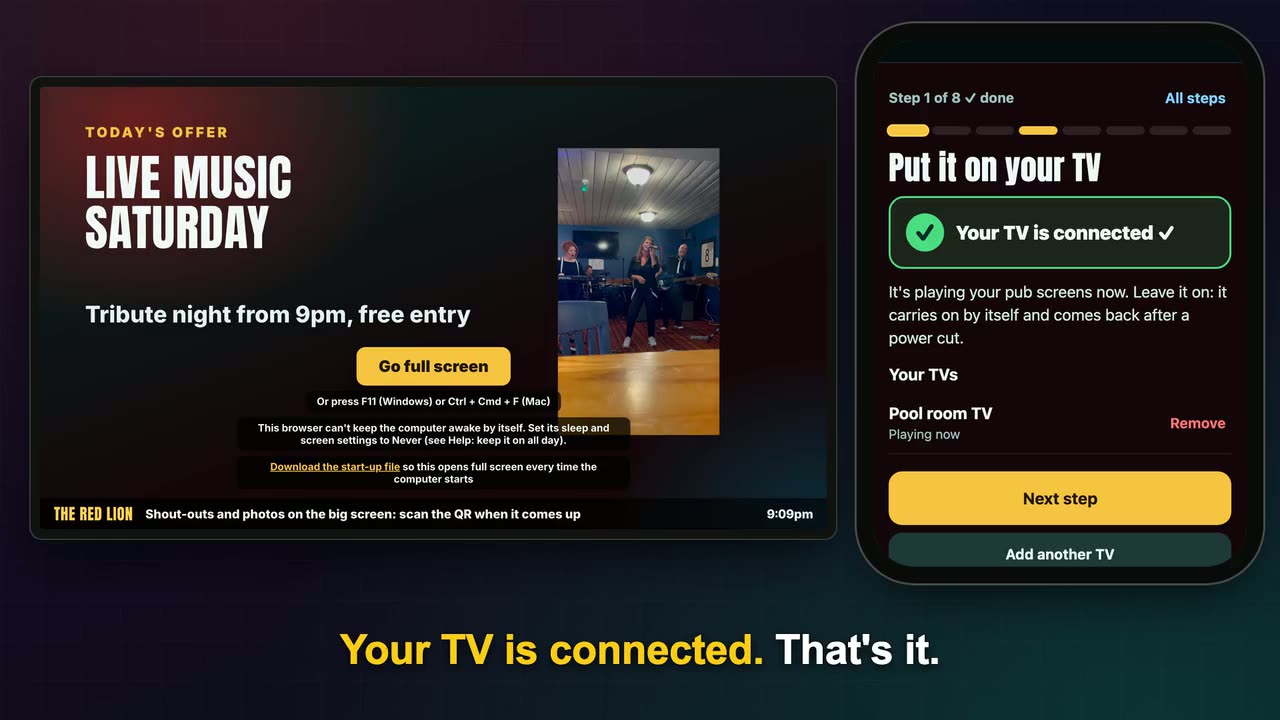
Type the TV's code into your phone and it's connected. -
Put the QR on your tables
Table talkers, beer mats, the bar. The QR code is on the TV too, so anyone who can see a screen can join in.
At Teal Farm the table-talker QR got 73 scans in its first nine days.
PHOTO: a Teal Farm table talker with the QR code, on a table with drinks -
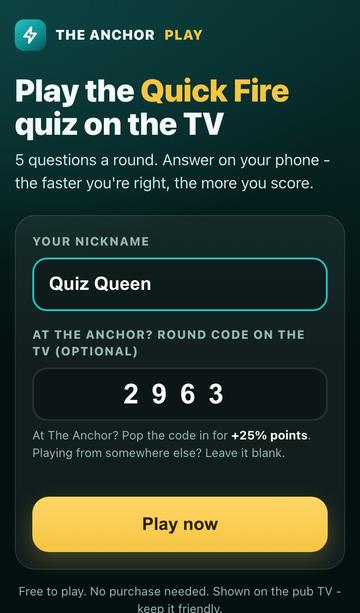
Customers play on their own phones
They scan, pick a nickname and play in their phone's web browser. Nothing to download. Answers go in on the phone, scores go up on the TV.
-
Run it from your phone
That's the set-up done. From then on, one simple dashboard on your phone runs every screen. The daytime quiz runs itself, so your staff don't have to touch a thing.
Offers, channels, shout-outs, draws, the quiz and the wheel, all from your phone. Watch each one.
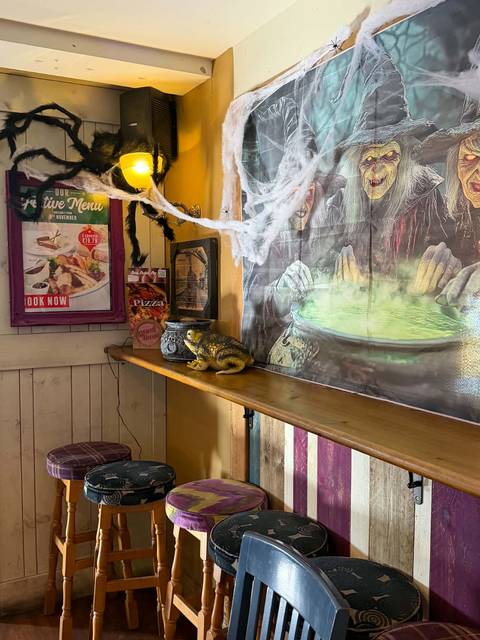
Halloween at Teal Farm. Plug the next do on every screen from your phone.


Screens shown are from our test pub.
Want it in your pub?
£34 a month for the whole pub. Nothing extra to pay. 14-day free trial. Founding pubs keep £34 for life.