Cheap ways to put your offers on your pub TVs
From a USB stick in the back of the telly to proper screen software, here are the cheap ways to get your own offers on your pub TVs, what each one costs and where each one falls down.
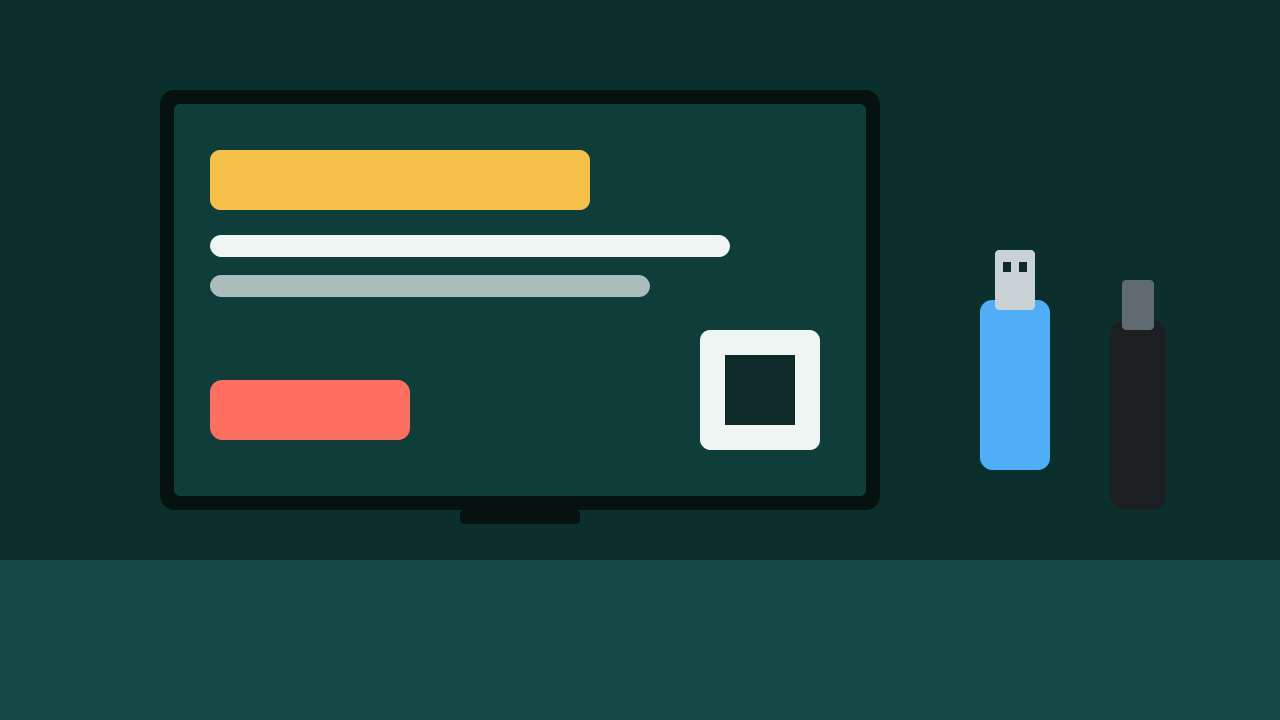
Your TVs are the biggest signs in your pub. You don't need expensive kit to put your own offers on them. You need a way to get pictures onto the screen, and a bit of discipline about what goes on them.
Here are the options, cheapest first, with the catch for each one.
Option 1: a USB stick in the back of the TV
Cost: a USB stick you probably already have.
Many smart TVs can play a slideshow of photos straight from a USB stick. Make your slides as images, copy them onto the stick, plug it into the TV and start the slideshow from the TV's media menu. Check your TV's manual for "USB" or "media player", as the menus vary.
Good for: one or two screens, offers that don't change much.
The catch: every change means walking round with the stick. You can't time slides to the day or the hour. Some TVs stop the slideshow when they're switched off and on, so someone has to restart it every morning. And you can't tell if anyone looked.
Option 2: an old laptop and an HDMI lead
Cost: nothing, if there's a laptop in a drawer and a lead to go with it.
Plug the laptop into the TV, open your slides in any presentation software and set them to loop. Set the laptop's sleep setting to "never" so the screen doesn't go black after ten minutes.
Good for: one screen near a power socket, and someone who's comfortable with a laptop.
The catch: it's one screen per laptop. Laptops left on all day can get hot, and a dropped Wi-Fi connection or a surprise update can freeze the picture until somebody notices.
Option 3: a streaming stick
Cost: TechRadar listed a popular 4K streaming stick at a normal UK price of £69.99 in October 2025, when it was on sale for £39.99.
A streaming stick plugs into the TV's HDMI socket and connects to your Wi-Fi. With a web browser on the stick, the TV can show a web page. If your offers live on a web page or an online slideshow, the TV can show them, and you can change them from your phone without walking round.
Good for: several screens, offers you change often.
The catch: you need decent Wi-Fi at each screen, or a network cable. Not every stick runs every browser well, so test before you buy several.
Option 4: screen software built for the job
Cost: these tools usually charge a monthly fee, and many charge per screen. Always check whether the price you're shown is per screen or for the whole venue. Four screens at a per-screen price adds up quickly.
This kind of software lets you schedule slides by day and time, update every screen from one place, and sometimes see when content played.
Good for: pubs with several screens that want to change things often and time them properly.
The catch: cost, and some are built for shops and offices, not pubs. Make sure it does what a pub needs, like switching to the match when it's on.
Whatever you use, get the slides right
The kit matters less than what's on the screen. A brilliant system showing a cluttered slide gets ignored.
- One message per slide. "Sunday roast, served 12 to 4" is a slide. A whole menu isn't.
- Big text. Stand at the furthest seat and check you can read it.
- High contrast. Pale text on a dark background reads well on a TV.
- A clear next step. "Ask at the bar", "Book on our website" or a QR code.
- Time it right. Food offers before mealtimes. Tomorrow's quiz at closing time.
- Short loops. Five or six slides that come round often beat twenty that people never see twice.
Make the slides on your phone or computer at the TV's shape, which is wide (16 by 9). Save them as images. That way they work on almost any option above.
Do you need a TV Licence for this?
TV Licensing says you need a TV Licence to watch or record live TV on any channel, or to use BBC iPlayer. A slideshow of your own offers is neither of those. If the same TV also shows live TV at other times, such as the match, the premises needs a licence for that.
Count what you show
The cheap options have one big weakness: you can't tell if anyone read the screen. Add a way to count. A code word customers say at the bar, a till button, or a QR code with a scan counter. Our post on checking if anyone reads your pub TVs has a simple two-week test.
Sources
- TechRadar: 4K streaming stick price, October 2025
- TV Licensing: Check if you need a TV Licence
- TV Licensing: Pub landlords urged to check TV Licences
We checked every source on 23 October 2026. Rules change, so check the latest version before you act. Nothing here is legal advice.